How to Protect Your Devices with Smart Antivirus Practices
Why Antivirus Alone Isn't Enough
Installing antivirus software is one of the first things most people do when setting up a new PC or device—and for good reason. Modern antivirus tools are essential for blocking known threats like viruses, trojans, spyware, and ransomware. But antivirus alone isn’t enough.
Cyber threats have evolved far beyond the old-school virus. Attackers now use phishing scams, fileless malware, social engineering, and even legitimate-looking software to bypass basic defenses. And while your antivirus is scanning files in the background, it may miss threats that rely on tricking you, not your computer.
Staying protected today requires more than just installing software. It means understanding how threats work, keeping your defenses up to date, and forming smart digital habits that reduce your risk before an attack even happens.
This guide will walk you through the best practices for getting the most out of your antivirus software—and how to build a complete, reliable security strategy around it.
Choosing the Right Antivirus Software
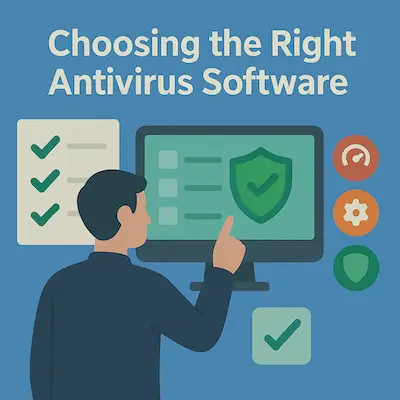
Not all antivirus programs are created equal. Some offer top-tier protection with minimal system impact, while others slow your machine down or miss emerging threats. Choosing the right antivirus is the foundation of your digital security strategy, so it pays to be selective.
At a minimum, look for these core features:
- Real-time protection that actively scans files, apps, and downloads as they’re accessed.
- Frequent definition updates to defend against the latest threats.
- Behavior-based detection, not just signature matching—this helps spot brand-new or unknown malware.
- Low resource usage, so your security doesn’t come at the cost of performance.
Some modern antivirus suites also bundle in extras like a firewall, VPN, password manager, parental controls, or identity theft monitoring. These all-in-one packages can be more convenient and cost-effective—just make sure you’ll actually use the features they include.
You’ll also need to decide between free vs. paid. Free antivirus software (like Microsoft Defender or Avast Free) offer basic protection, but paid versions typically add critical features like ransomware protection, support, and better real-time analysis.
Whether you choose a full security suite or a lightweight standalone tool, make sure it’s from a trusted, actively maintained provider with a good reputation for transparency and timely updates. The software that protects your system should evolve just as quickly as the threats it's defending against.
Enable and Configure Real-Time Protection
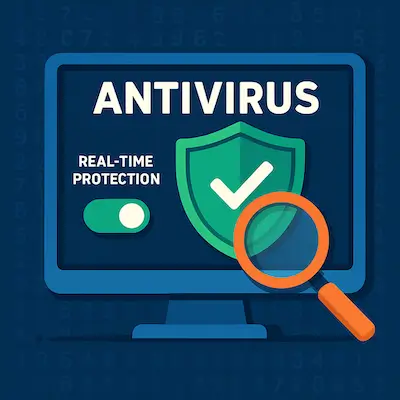
Real-time protection is one of the most important features of any antivirus program—and it’s often the one users take for granted. When properly configured, real-time protection monitors everything happening on your system in the background, scanning files, downloads, apps, and even web activity as it occurs.
Without real-time protection, malware can slip in undetected until your next manual scan—by which point the damage may already be done.
Here’s what to check and configure:
- Make sure real-time scanning is turned on. Most antivirus software enables this by default, but it’s worth verifying.
- Enable automatic scanning of email attachments, downloads, and USB drives. These are common attack vectors.
- Turn on heuristic and behavior-based detection if available. These features help catch new, never-before-seen threats based on suspicious activity—not just known virus signatures.
- Enable cloud protection or reputation checks, which allow your antivirus to query its threat database in real-time for faster, smarter detection.
- Set it to start with your system so protection is active immediately when you boot up.
Some suites also offer firewall integration, web protection, or network intrusion detection. These features act as extensions of real-time protection—guarding your internet activity, blocking suspicious websites, and alerting you to compromised networks.
💡 Tip: Don’t disable real-time protection just to speed up your computer. If it slows things down, consider switching to a more efficient antivirus—not running without one.
Run Regular Full System Scans
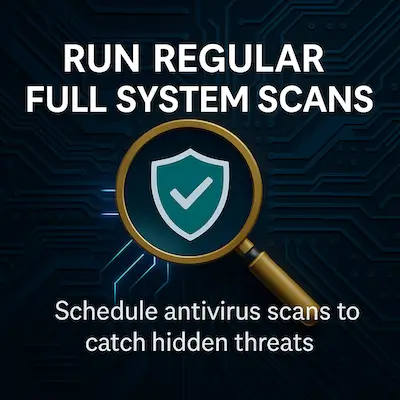
Even with real-time protection doing the heavy lifting, it’s still important to run scheduled full system scans. Why? Because not every threat is caught in real-time—and some types of malware are specifically designed to avoid immediate detection.
A full system scan goes deeper, checking every file, folder, and drive for hidden or dormant threats. It can uncover malware that may have slipped past defenses or hasn’t yet activated. Think of it as a health checkup for your computer.
Here’s how to make full scans work for you:
- Schedule them weekly or biweekly, depending on how often you download files, install apps, or use removable media.
- Let them run overnight or during idle hours—they may take a while, especially on older machines or systems with a lot of files.
- Include external drives and network shares, especially if you back up to them or use them to transfer files.
- If your antivirus offers a "deep scan" or "offline scan", use it periodically to target threats that hide outside normal system activity.
💡 Tip: You can often adjust scan settings to exclude trusted directories or prioritize high-risk areas like your system folder and downloads.
Regular scans aren’t about paranoia—they’re about being proactive. Just like backing up your files, scanning your system should be a part of your routine maintenance, not an afterthought.
Keep Your Antivirus Updated
Antivirus software is only as good as its latest update. Without current virus definitions, even the best tools can’t recognize or block newly emerging threats. That’s why keeping your antivirus up to date is non-negotiable if you want real protection.
Most antivirus programs update automatically—but you shouldn’t assume it’s happening. Make it a habit to:
- Check the last update date at least once a week to ensure the software is staying current.
- Enable automatic updates for both the virus definitions and the core program itself. Updates often include fixes for vulnerabilities or improved detection algorithms.
- Restart your system regularly, especially if your antivirus says updates are pending—some updates only complete on reboot.
- Avoid using expired or unsupported versions. If your subscription has lapsed, you may no longer receive critical updates, even if the program still appears to be running.
💡 Tip: Many modern threats are zero-day exploits—brand new attacks that surface daily. Staying up to date is your best chance to catch them before they do damage.
Updating takes seconds. Recovering from an infection can take hours—or worse. Let your antivirus evolve as fast as the threats it protects you from.
Pair Antivirus with Good Digital Hygiene
Antivirus software can block a lot—but it can’t fix bad habits. Your behavior online plays a huge role in how vulnerable (or protected) your system really is. In fact, many modern attacks succeed not because of weak software, but because they exploit human mistakes.
Here’s how to keep your digital hygiene strong:
- Avoid suspicious links and email attachments. Phishing scams often look legitimate but are designed to trick you into downloading malware or revealing login info.
- Don’t download cracked software or files from sketchy sites. These are breeding grounds for hidden malware and trojans.
- Use strong, unique passwords for every account. A password manager like Bitwarden or 1Password can help you manage them easily.
- Enable multi-factor authentication (MFA) wherever possible—especially for your email, bank, and cloud storage accounts.
- Keep your operating system and apps updated. Unpatched software is a favorite entry point for attackers.
- Think before you click. Popups offering fake antivirus alerts, “system cleanup” tools, or prize winnings are often malware traps.
💡 Tip: Antivirus software works best as part of a broader defense strategy—it can’t protect you from clicking “Yes” on a dangerous prompt.
Practicing good digital hygiene means staying alert, cautious, and informed. Combined with solid antivirus protection, your habits become your first—and often strongest—line of defense.
Backup and Recovery Is Part of Protection
Even the best antivirus software can't stop every threat—especially when it comes to ransomware, data corruption, or hardware failure. That’s why having a solid backup and recovery plan isn’t just a productivity tip—it’s a security essential.
Imagine getting hit with ransomware that encrypts your files. Without a backup, you're stuck: pay the ransom (never a good idea) or lose everything. But if your data is safely backed up, you can wipe the infected system and restore everything—no panic, no extortion.
Here’s how to build a simple, effective backup plan:
- Use both local and cloud backups. External drives are fast and reliable; cloud services like OneDrive, Google Drive, or iDrive add offsite protection.
- Back up automatically. Manual backups are easy to forget. Schedule them daily or weekly, depending on how often your data changes.
- Use versioning when possible. This keeps older copies of files, helping you recover from accidental overwrites or corruption.
- Encrypt sensitive backups. Especially if stored online or on shared devices.
💡 Tip: Some antivirus and security suites, like Norton 360, include backup tools as part of their feature set—making it easier to manage everything in one place.
In the end, a good backup is your safety net. Antivirus stops most threats—but backup ensures you recover from the ones that slip through.
Use One Antivirus Solution—Not Two
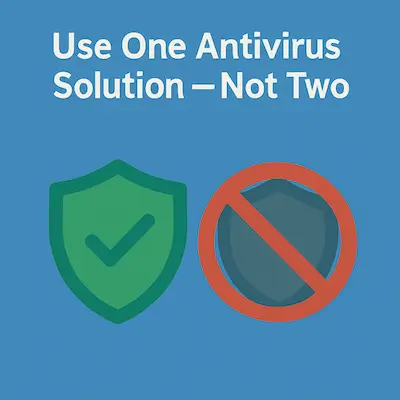
It might seem like running multiple antivirus programs would double your protection—but in reality, it often does more harm than good. Using two active antivirus solutions at the same time can cause conflicts, slowdowns, and false positives.
That’s because antivirus tools dig deep into the operating system. When two programs try to scan or quarantine the same files simultaneously, they can end up interfering with each other—or worse, identifying each other as threats. The result? Lower performance, unreliable scans, and a system that’s more vulnerable, not less.
Stick to one well-maintained antivirus suite that offers real-time protection, automatic updates, and a strong track record. If you want a second layer of defense:
- Use a reputable on-demand scanner like Malwarebytes or ESET Online Scanner. These tools don’t run constantly and won’t conflict with your main antivirus.
- Some suites also allow “passive mode” if you do want to keep a secondary scanner installed for occasional use.
💡 Tip: More protection doesn’t always mean better protection—especially when your tools fight each other instead of threats.
In security, quality and compatibility matter more than quantity. Choose one strong solution and let it do its job without interference.
Mobile and Multi-Device Protection
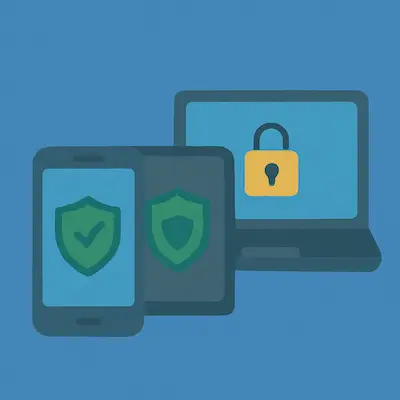
Antivirus protection isn’t just for your desktop or laptop anymore. Most people now use multiple devices daily—smartphones, tablets, smart TVs, even wearable tech—and each one can be a potential entry point for cyber threats. If your security stops at your PC, you’re leaving the rest of your digital life exposed.
Smartphones, in particular, are prime targets for phishing, spyware, and malicious apps. Android users are especially vulnerable, but even iOS devices benefit from protection against unsafe websites, data leaks, and scam texts.
Here’s how to extend your protection across all your devices:
- Use antivirus apps for mobile. Many top security brands (like Norton, Bitdefender, and Kaspersky) offer lightweight mobile apps with features like malware scanning, anti-theft tools, and app privacy analysis.
- Be cautious with app permissions. Only install apps from official app stores, and review what access they’re asking for—if it seems excessive, it probably is.
- Enable remote wipe and device tracking. These features are built into many security suites and help secure lost or stolen phones.
- Sync security across platforms. Some antivirus subscriptions include multi-device licenses, letting you protect your phone, tablet, and PC under one account.
💡 Tip: If your smartphone accesses your email, bank, cloud storage, and personal photos—it deserves the same level of protection as your computer.
Cyber threats don’t care what kind of screen you’re using. Securing every device you depend on is no longer optional—it’s part of modern antivirus best practices.
Antivirus Is Part of a Multi-Layered Security Approach
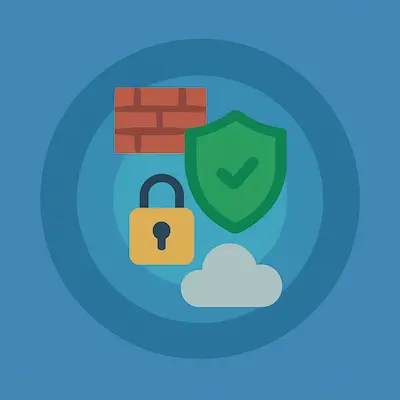
Antivirus software is a critical first line of defense—but it’s just one piece of a much bigger puzzle. Today’s threats are too sophisticated to rely on a single tool. A true security strategy combines multiple layers of protection that work together to prevent, detect, and recover from attacks.
Here’s what a well-rounded approach looks like:
- Antivirus/anti-malware: Scans and blocks known threats in real time.
- Firewall: Monitors and controls incoming and outgoing network traffic to prevent unauthorized access.
- VPN (Virtual Private Network): Encrypts your internet connection, especially useful on public Wi-Fi and for preventing tracking or data theft.
- Secure DNS and browser protection: Blocks access to malicious websites before you even load them.
- Software and OS updates: Fixes vulnerabilities before attackers can exploit them. Outdated apps are one of the biggest weak points in any system.
- Password managers and MFA (multi-factor authentication): Reduces the risk of stolen or cracked login credentials.
- Encrypted backups: Ensures you can recover your data if something gets past your defenses.
💡 Tip: Many modern antivirus suites include several of these features, giving you layered protection in a single package.
No one tool is perfect. But when you stack strong tools with smart habits, you create a safety net that’s hard to break through. Think of antivirus as the foundation—and build your defenses outward from there.
🔍 Recommended Antivirus Software
Looking for trusted antivirus solutions to put these best practices into action? Here are some of the top security brands we feature:
- Norton 360 – Comprehensive all-in-one suite with real-time protection, firewall, VPN, cloud backup, and identity monitoring.
- Bitdefender – Lightweight, powerful antivirus with strong malware detection and multi-layer ransomware defense.
- McAfee Total Protection – Offers cross-device security, identity protection, and encrypted storage with a user-friendly dashboard.
- ESET Smart Security Premium – Lightweight and fast, with advanced threat defense, anti-phishing, and powerful network protection features for tech-savvy users.
- Avast One – Free and premium options with solid core protection, plus built-in VPN and privacy features.
- Kaspersky Premium – Known for exceptional threat detection, safe browsing tools, and secure password management.
- Malwarebytes Premium – Excellent supplementary scanner or primary anti-malware defense with minimal system impact.
- Trend Micro Maximum Security – Smart web filtering, social media protection, and multi-device licenses.
- AVG Internet Security – Strong value with real-time threat blocking, ransomware shields, and phishing protection.
- Avira Prime – Clean interface and solid malware protection, bundled with a VPN, system speed-up tools, and a secure password manager.
- Intego Mac Premium Bundle – Designed specifically for macOS, offering antivirus, firewall, backup, and parental controls—all in one Mac-focused suite.
- Acronis Cyber Protect Home Office – Known for its reliable full-system backups, file syncing, and integrated ransomware protection. Great for users who prioritize both security and data recovery.
- And more...
🛡️ Explore them all here: 👉 See Our Full List of Antivirus & Security Software »
Final Thoughts: Stay Informed, Stay Protected
Cybersecurity isn’t something you set and forget. Threats evolve fast—so your defenses and awareness need to keep pace. Antivirus software gives you a strong foundation, but staying protected long-term comes down to how well you maintain that foundation.
Keep your antivirus updated. Run scans regularly. Practice smart online habits. Protect all your devices, not just your main PC. And most importantly, stay informed. The more you understand how threats work, the better decisions you’ll make when something doesn’t feel right.
💡 Tip: Most infections don’t happen from “hackers”—they happen from small mistakes, like clicking the wrong link or skipping an update.
By following the best practices in this guide, you’re not just protecting your computer—you’re protecting your privacy, your data, and your peace of mind.
Digital security starts with you. Stay sharp, stay safe.