Multifactor authentication (MFA) is a security method that requires you to verify your identity using two or more authentication factors before you can access an account, device, or online service. By adding extra layers of verification, MFA makes it much harder for attackers to gain unauthorized access, even if they know your password.
Today, multifactor authentication is one of the most effective ways to protect online accounts from cybercriminals.
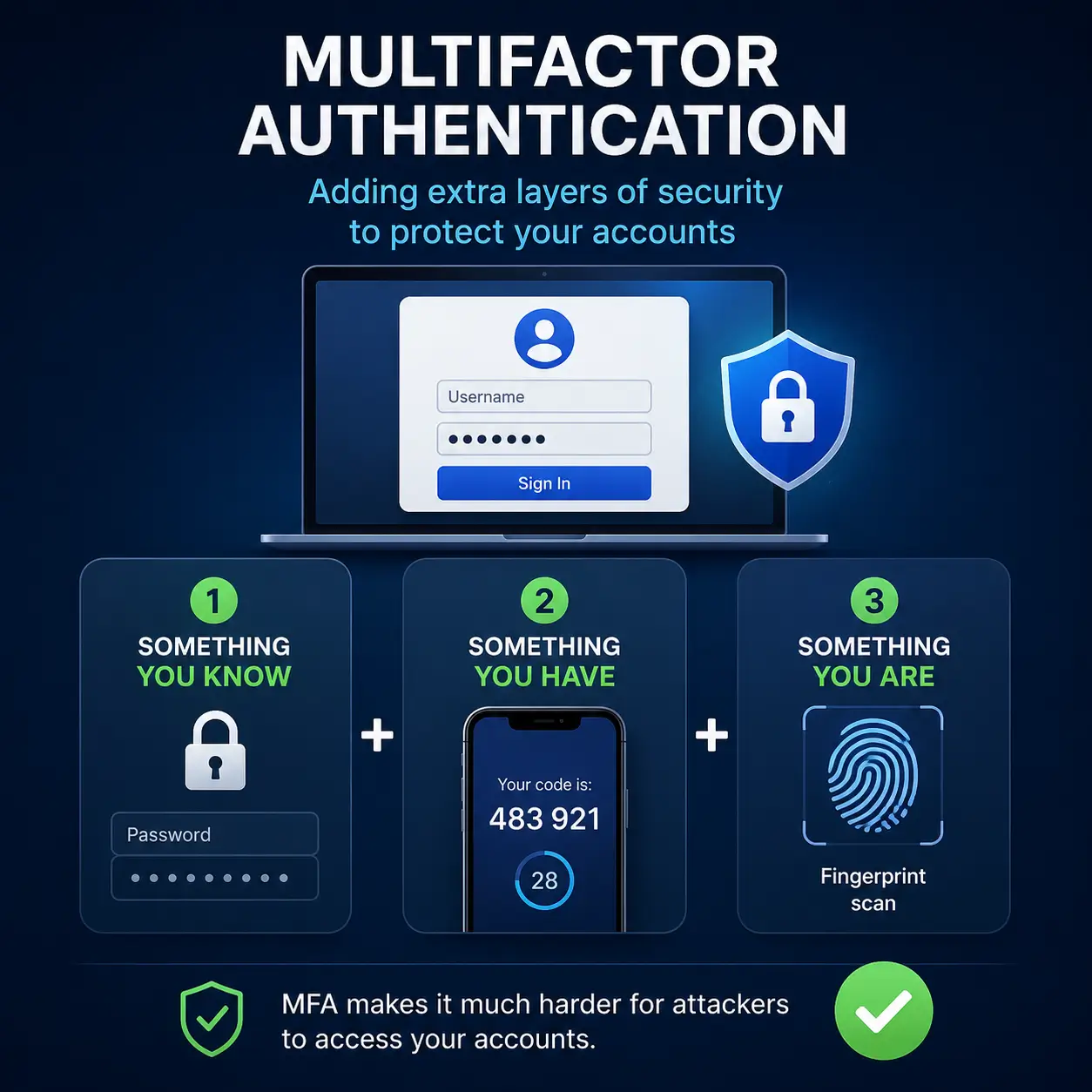
How Does Multifactor Authentication Work?
When you sign in to an account protected by MFA, you first enter your username and password. The service then asks you to provide an additional form of verification before granting access.
Common authentication factors include:
- Something you know: A password, PIN, or security question.
- Something you have: A smartphone, hardware security key, or authentication app.
- Something you are: A fingerprint, facial recognition, or another biometric identifier.
For example, after entering your password, your bank may send a one-time verification code to your phone or ask you to approve the login in an authentication app.
Why Is Multifactor Authentication Important?
Passwords alone are no longer enough to protect online accounts. They can be stolen through phishing attacks, malware, data breaches, or password reuse.
Multifactor authentication significantly reduces this risk because an attacker would also need access to your second authentication factor.
MFA helps protect:
- Email accounts
- Online banking
- Shopping accounts
- Social media profiles
- Cloud storage
- Workplace and school accounts
Even if your password is compromised, MFA can prevent unauthorized access in many cases.
Types of Multifactor Authentication
Organizations and online services use several MFA methods, including:
- One-time passcodes sent by SMS or email
- Authentication apps such as Google Authenticator or Microsoft Authenticator
- Push notifications that ask you to approve a login
- Hardware security keys
- Fingerprint or facial recognition
Security experts generally recommend using an authentication app or hardware security key instead of SMS whenever possible, as these methods provide stronger protection against certain types of attacks.
Is Multifactor Authentication the Same as Two-Factor Authentication?
Not exactly.
Two-factor authentication (2FA) is a specific type of multifactor authentication that uses exactly two verification factors.
Multifactor authentication is a broader term that includes two-factor authentication as well as systems requiring three or more authentication factors.
In everyday use, however, many people use the terms interchangeably because most consumer services implement two-factor authentication.
How Can You Enable MFA?
Most major online services allow you to enable MFA from your account’s security settings.
If available, choose an authentication app or hardware security key for better security than SMS-based verification. Be sure to save your recovery codes in a secure location in case you lose access to your phone or authentication device.
Key Takeaway
Multifactor authentication adds an extra layer of security by requiring two or more forms of identity verification before granting access to an account. It is one of the most effective ways to protect your personal information, financial accounts, and online services from unauthorized access.