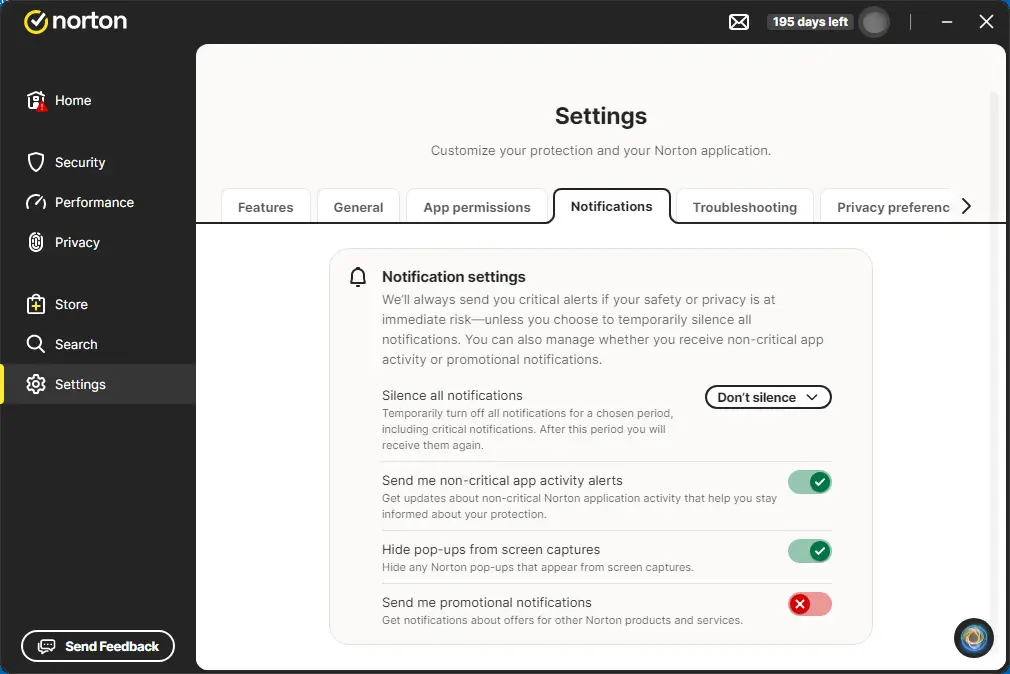
To stop Norton pop ups, do the following:
- In your Norton Dashboard, on the left side, click Settings.
- In the Notifications tab, use listed options to manage the settings for the notifications.
- To turn OFF the marketing pop-ups, slide the Send me promotional notifications button to the OFF position.
Norton 360 Settings – Notifications Tab