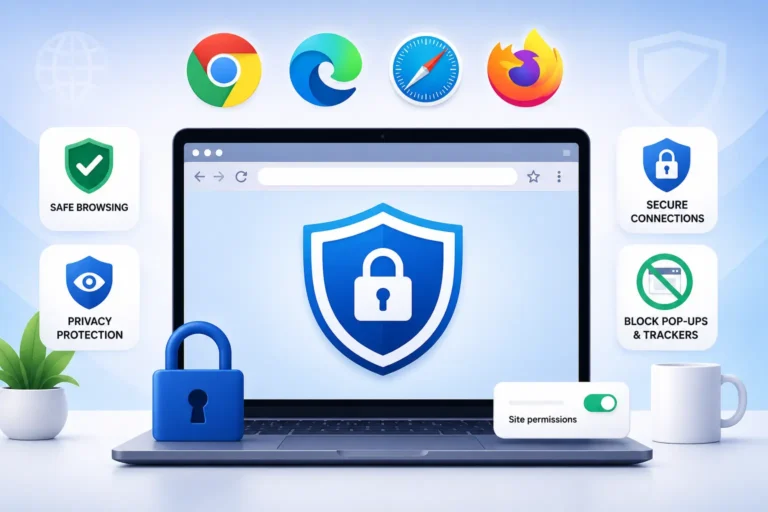
First, lets see more about how to choose the best antivirus software.
Selecting the right antivirus software is crucial for safeguarding your digital life. Here are some essential factors to consider when choosing the best antivirus software in 2024:
- Features: Look for antivirus software that offers a comprehensive set of features. Key functionalities include real-time scanning, malware detection, firewall protection, and automatic updates.
- Depth of Protection: Evaluate how well the antivirus shields your digital environment from a wide range of threats. It should defend against viruses, spyware, ransomware, and other malicious software.
- Ease of Use: Opt for software that is user-friendly and doesn’t require complex configurations. A straightforward interface ensures hassle-free protection.
- Reliability: Research the software’s track record. Read reviews and check its performance over time. A reliable antivirus should consistently detect and neutralize threats.
- Devices Covered: Consider the number of devices you need to protect. Some antivirus solutions cover multiple devices under a single license, while others are limited to a specific number.
- Data Privacy Policy: Review the privacy policy of the antivirus provider. Ensure that your personal data won’t be misused or shared without your consent.
- Customer Support: Good customer support is essential. Look for software with responsive customer service in case you encounter issues or need assistance.
- Price: Antivirus software comes in various price ranges. Compare the features offered by different products and choose one that fits your budget.
Remember, having antivirus protection is like spring cleaning for your digital world—essential for keeping your data safe and secure throughout the year. If you already have antivirus software, make sure it’s up-to-date and functioning properly. Stay vigilant and protect your digital assets.
The best antivirus software should offer robust protection against malware and other security threats. Here are some essential features to look for:
- Real-time Scanning: The antivirus should continuously monitor your system for malicious files and activities. Real-time scanning helps detect and block threats as they occur.
- Malware Detection and Removal: Effective antivirus software should identify and remove various types of malware, including viruses, Trojans, worms, and spyware.
- Firewall Protection: A built-in firewall adds an extra layer of security by monitoring network traffic and blocking unauthorized access attempts.
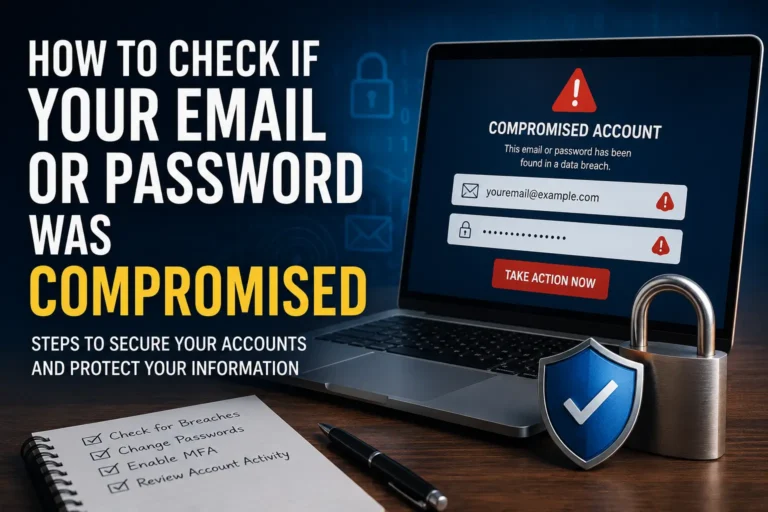
- Identity Protection: Look for features that safeguard your personal information, such as anti-phishing tools and protection against identity theft.
- Regular Updates: Antivirus programs should receive frequent updates to stay current with the latest threats. Regular updates ensure that your software can detect and combat new malware strains.
- Low System Impact: The best antivirus software operates efficiently without significantly slowing down your computer’s performance.
- Easy-to-Use Interface: A user-friendly interface simplifies configuration, scanning, and managing security settings.
- Scheduled Scans: The ability to schedule automatic scans ensures consistent protection without manual intervention.
- Behavioral Analysis: Some advanced antivirus solutions analyze software behavior to detect suspicious activities even if the malware signature is not known.
- Multi-Device Support: If you use multiple devices (such as computers, smartphones, and tablets), choose an antivirus that covers all your devices.
Remember that pricing and subscription terms can vary, so be sure to check the details before making a decision. Currently, Avast One Basic, AVG AntiVirus Free, Bitdefender Antivirus Free for Windows, Avira Free Security, and Microsoft Defender (built into Windows 10 and Windows 11), are top picks for free antivirus protection. Other notable options include Bitdefender, Norton 360, Malwarebytes, and McAfee. Choose the one that best suits your needs and provides comprehensive security for your devices.
Should Antivirus Include Identity Theft Protection?
The question of whether antivirus software should include identity theft protection is an important one. Let’s delve into it:
- Identity Theft Protection Services:
- Identity theft can have severe consequences, including drained bank accounts, damaged credit ratings, and unwarranted debts. To combat this, specialized services offer early warnings when your data is compromised and assist in recovery if your identity is stolen.
- These services can be expensive, and some consumers hesitate to spend money on something they may never need. Additionally, the efficacy of identity theft remediation services is challenging to assess since we can’t directly compare different products based on real-world scenarios.
- However, investing in identity theft protection can provide peace of mind and proactive measures against potential threats.
- Antivirus Software and Identity Theft Protection:
- Most identity theft protection services also include local security protection for your devices. These services often fall under the umbrella of security suites.
- While some services lean more toward device protection, others emphasize identity protection.
- Here are a few top picks that combine both identity theft protection and device security:
- Norton 360 with LifeLock: Offers comprehensive identity protection and security features.
- Bitdefender Ultimate Security: Provides device-level protection along with identity theft safeguards.
- Avast One Platinum: Ideal for small families, combining device security and identity protection.
- ESET Home Security Ultimate: Offers inexpensive family protection with identity theft features.
- IDShield: Suitable for large families, focusing on identity protection.
- IDX Complete: Designed to protect your identity effectively.
- McAfee+: Great for multi-device households, with identity theft components.
- Jumbo: A free identity protection service that you can layer on top of any security suite.
- Considerations:
- Evaluate your specific needs, budget, and preferences when choosing between antivirus software with identity theft protection and standalone identity theft services.
- Keep in mind that while prevention is crucial, having a plan for recovery in case of identity theft is equally important.
Remember, staying informed and taking proactive steps can significantly reduce the risk of identity theft. Choose a solution that aligns with your priorities and provides the level of protection you’re comfortable with.